
Consultant management
You can view the list of consultants linked to your organization and remove them if necessary.
Un consultant est de façon générale un utilisateur d'une autre organisation qui peut accéder à vos données privées ainsi qu'au projets sur lesquels il a été ajouté.
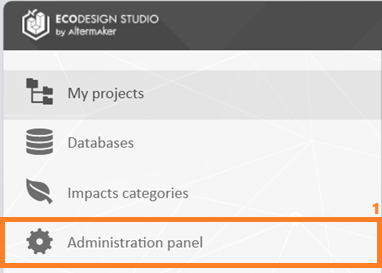
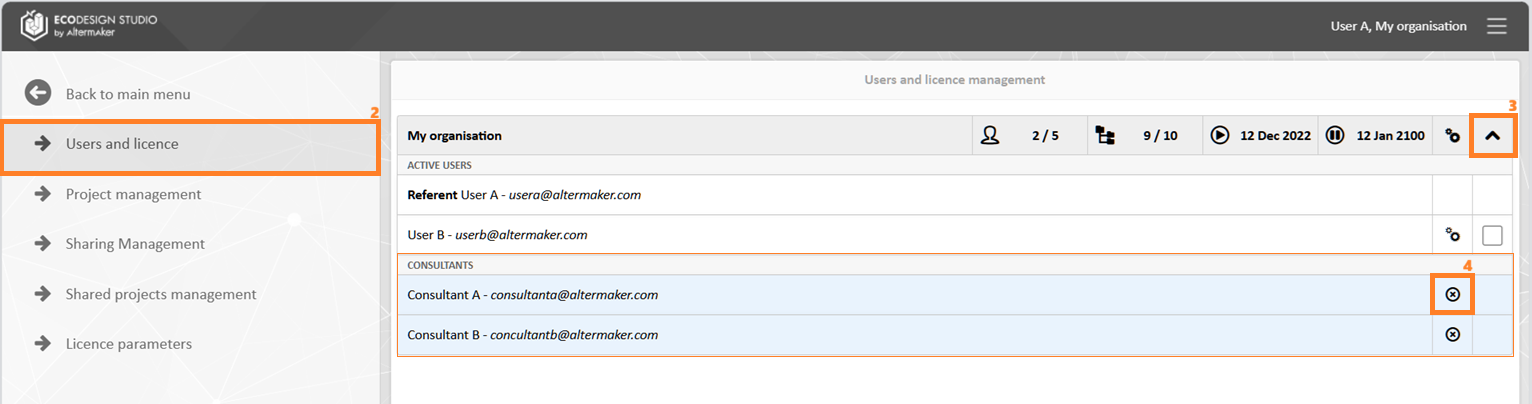
To access it, open the Administration Panel (1) from the left menu. Then, select Users and License (2). By expanding the organization details (3), you will find the list of consultants at the bottom. To remove a consultant, use the associated button (4) located on the corresponding line, on the right.
The addition of consultants must be done through a request to Support.